

How to Rename an Email Address in Plesk
1. Log in to your Plesk account.
2. Click on Mail from the Sidebar Menu.

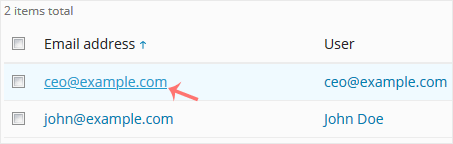
3. From the email list, click on the email account you want to rename.
4. Enter the new email name in the email address field.

5. Scroll down and click OK.



 English
  phone
phone
 Whatsapp
 Quote
Quote